Resonate HubSpot Apps Bundle (Black Friday Edition)
The complete application collection for HubSpot: AI Studio, DocsHub, and 0CodeTools.
HubSpot Apps Bundle
Everything included- AI Studio Pro X5 (60M Tokens)
- DocsHub (10 Seats)
- 0CodeTools Suite
DocsHub Lifetime
One-time payment- Lifetime Access
- Future Updates Included
- Perpetual License
Overview
We've combined our three best-selling 2025 HubSpot apps into one comprehensive package:
- For HubSpot Workflows - now featuring GPT-5.1 and DeepResearch integration (with Gemini 3 support arriving later this week).Usually $2,490 per year
- The workflow utility belt HubSpot users have been asking for. Includes Association Automation, Webhooks, and Commerce tools.Usually $990 per year
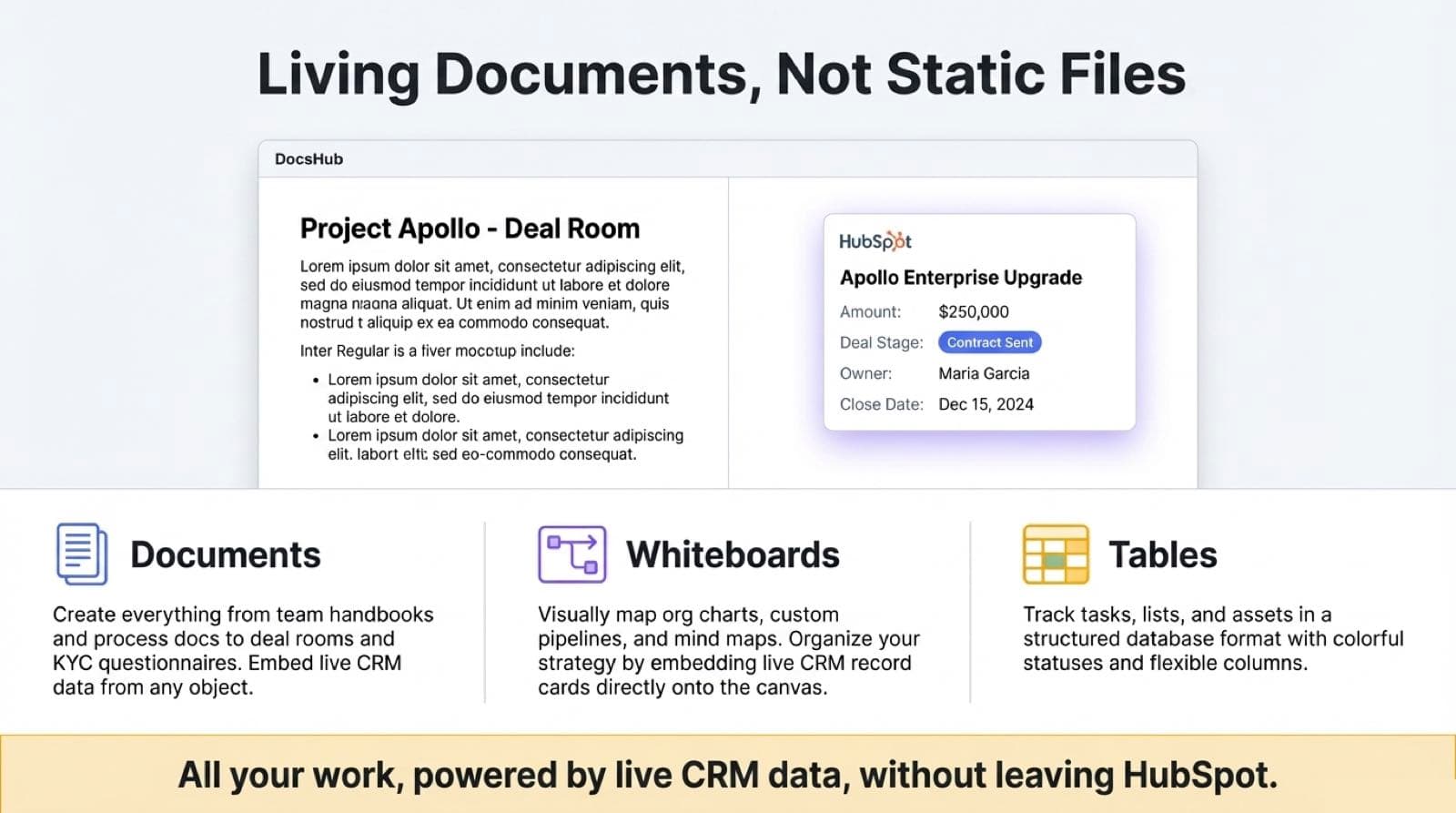
- A new document editor for HubSpot that brings documents, whiteboards, and tables into your CRM records. Includes 10 seats.
- Living Docs: Pull live CRM data (Contacts, Deals) directly into pages.
- AI Assistant: In-document AI generation and rewriting aware of your context.
- Visuals: Built-in Whiteboards and Tables database.
When bundled you save $4,470, and the total investment is lower than the cost of a single standard AI Studio subscription.
Features
Compare features by HubSpot planIntegrate generative AI in workflows
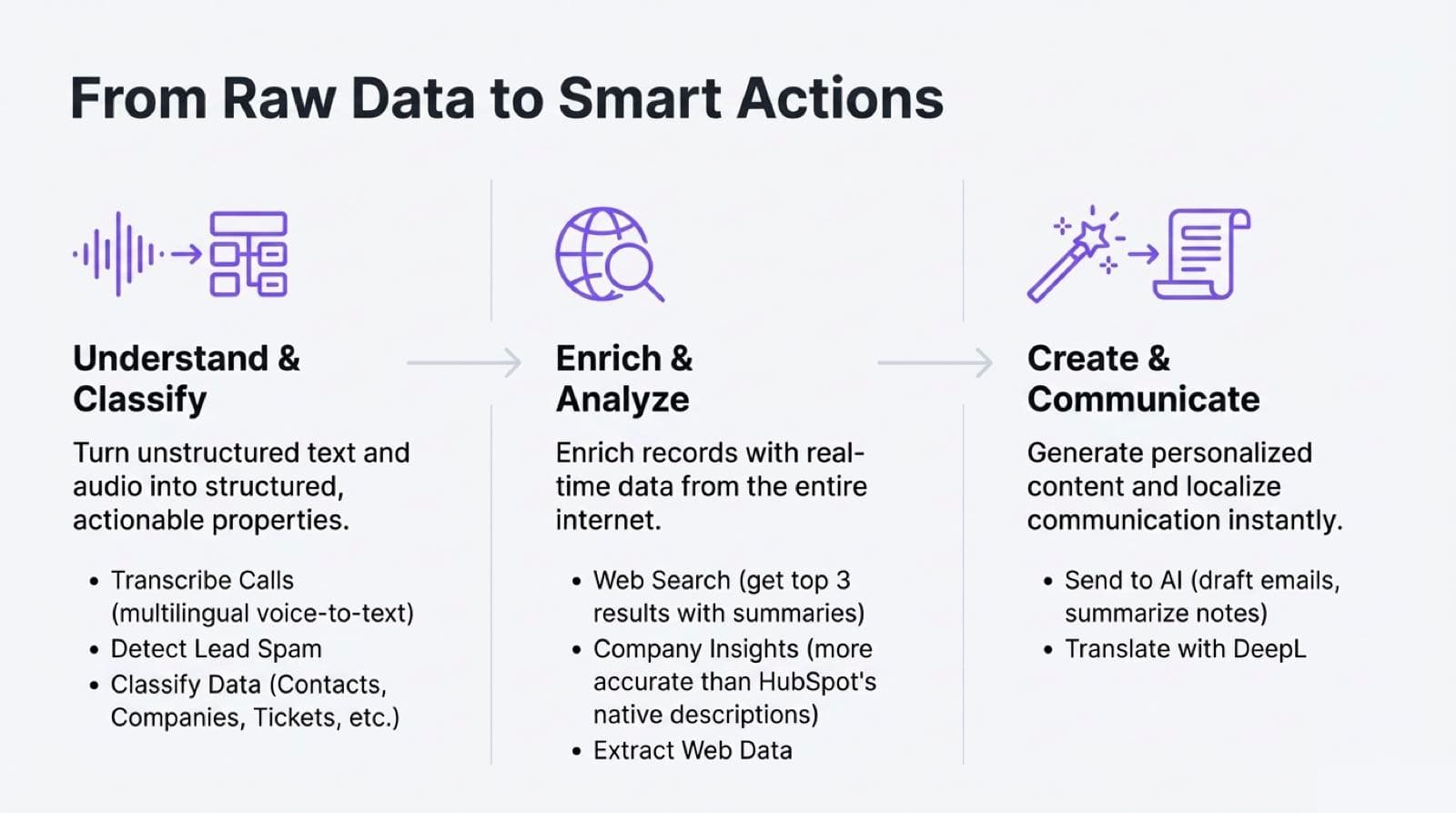
AI StudioChoose a model, set prompts and creativity, and use AI output in downstream actions or copy it into CRM properties.
Send to AI
AI StudioAuto-send prompts from CRM, capture responses back on records, and run ICP fit checks or classify companies from site content.
Company Insights
AI StudioScrape any website to build structured profiles—name, concise description, and raw content for reuse in workflows.
Create and edit docs inside HubSpot
DocsHubAdd the DocsHub UI Card to records to create and edit documents without leaving HubSpot.
Embed live CRM records
DocsHubSearch and embed contacts, companies, deals, tickets, or custom objects. Data stays in sync and opens directly in HubSpot.
Export documents to Notes & Blog
DocsHubConvert DocsHub docs to HubSpot notes or publish to your HubSpot blog while keeping formatting and record associations.
Create whiteboards with CRM data
DocsHubBuild org charts, custom pipelines, and mind maps; organize CRM data visually with embedded records.